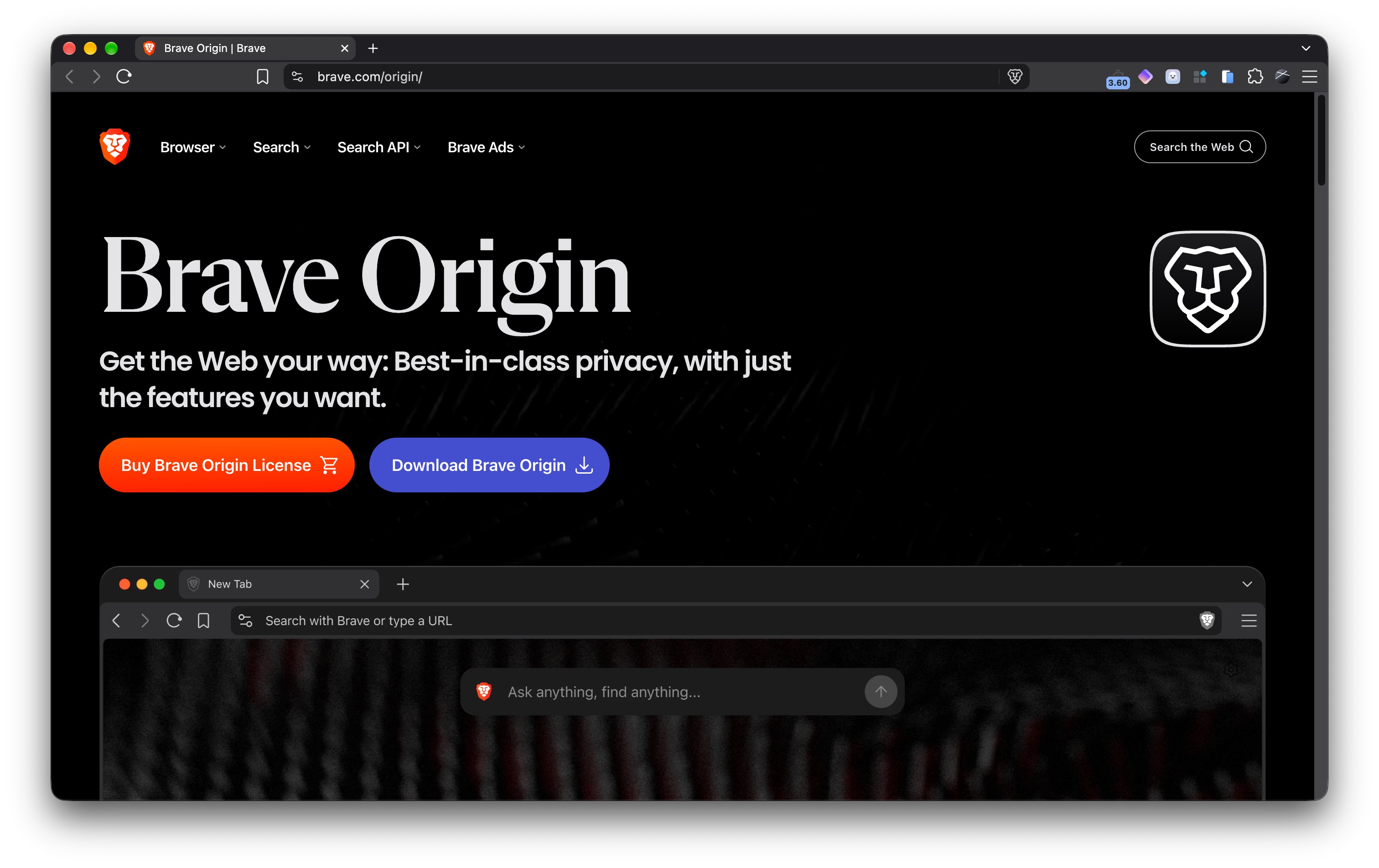
I’ve been using Brave Origin for about two months now, and it has become one of my favorite browsers.
What draws me to it is the idea of having more control over the browser itself: which features are there, what stays visible, and how much space the interface takes up in my day. Alongside Helium, another browser I like, and my customized Quiet Tab, it fits the kind of browsing setup I want to spend time in.
Simple, personal, and comfortable to come back to.
Why Brave Origin appeals to me
Brave Origin takes a more minimal approach to Brave. It keeps Shields, Brave’s built-in ad and tracker blocking, while offering a way to remove or manage additional features. Brave offers Origin both as a standalone browser and as an upgrade to the existing Brave app, with the same security fixes and Chromium patches as its other releases.
That direction appeals to me. A browser is something I use repeatedly throughout the day, so its design becomes part of the background of everything else I do. Small details matter: the toolbar, the new-tab page, and the amount of information waiting whenever I open a window.
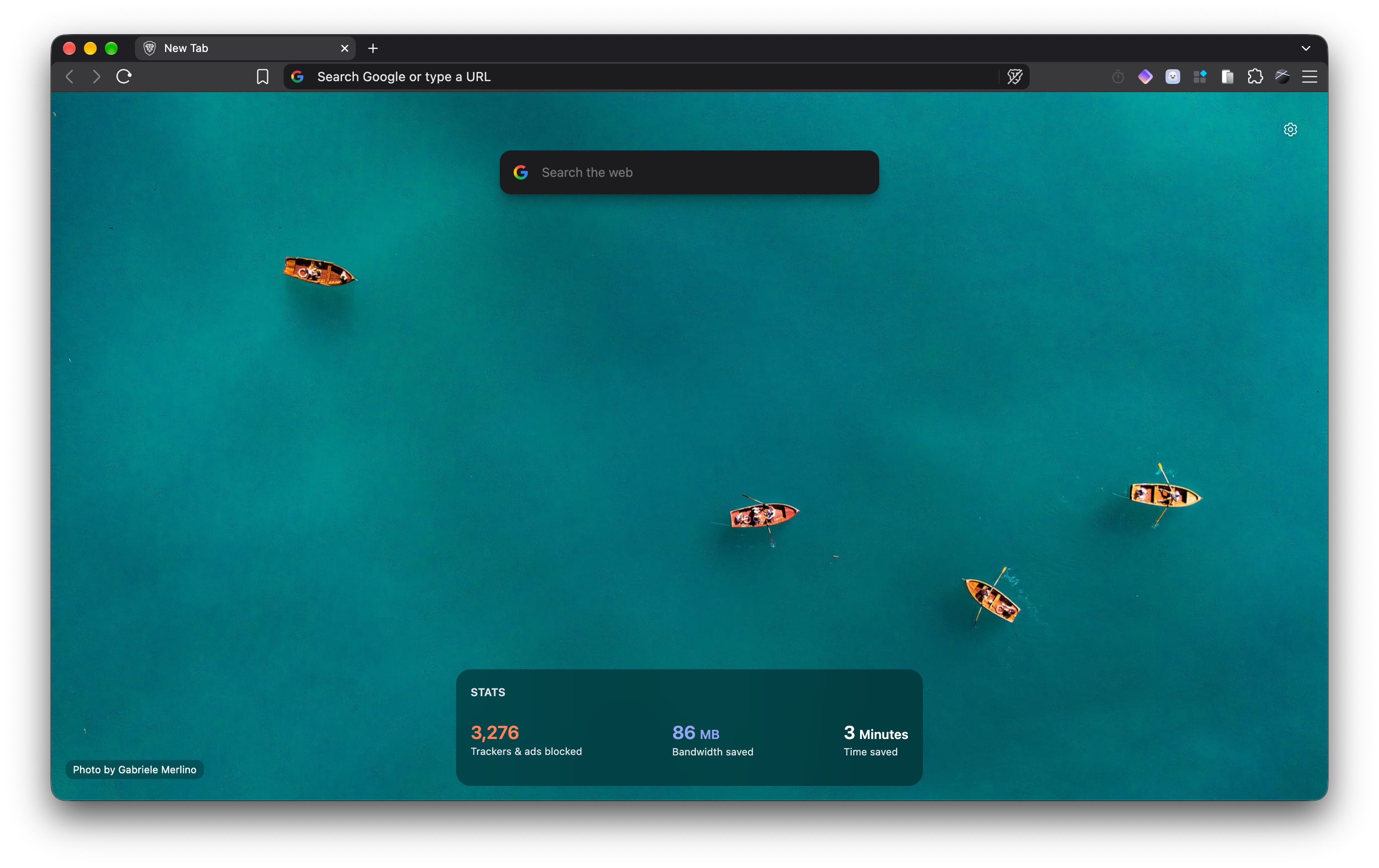
After two months, Brave Origin has earned a place among my favorites. I’m interested in how a browser fits into everyday use, and Origin’s approach makes sense to me.
One detail worth knowing before trying it: as of October 25, 2026, Brave lists Origin at a one-time price of US$59.99, with a free option for Linux users. The regular Brave browser remains free and supported. You can check the current details in Origin’s pricing and FAQ.
Helium is another browser I like
Helium belongs in this conversation because it shares some of the qualities I’m drawn to.
It is a free, open-source Chromium browser with a minimal interface and privacy protections enabled by default. Its website describes built-in blocking for ads, trackers, and cookie banners, along with support for Chromium extensions.
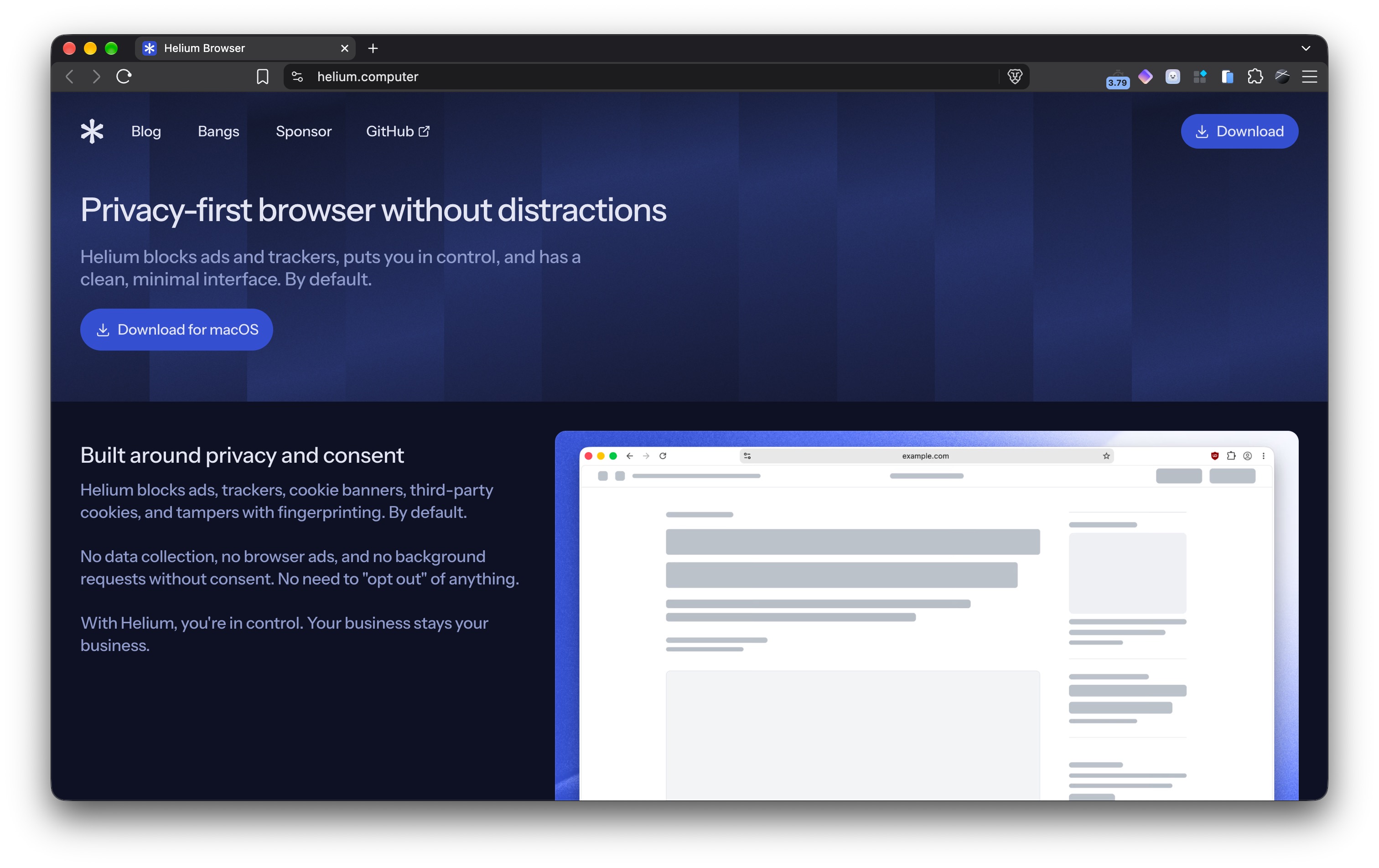
The appeal for me is that attention to simplicity. Looking at Helium and Brave Origin together, I can see a clear pattern in my preferences: I like browsers that give me control and keep the interface easy to live with.
There are practical differences to consider. At the time of writing, Helium’s FAQ says it does not yet support browser data sync or Widevine DRM, which can affect some streaming services. Those details matter when deciding whether it fits your own daily use. The Helium features and FAQ explain the current capabilities.
Making it personal with Quiet Tab
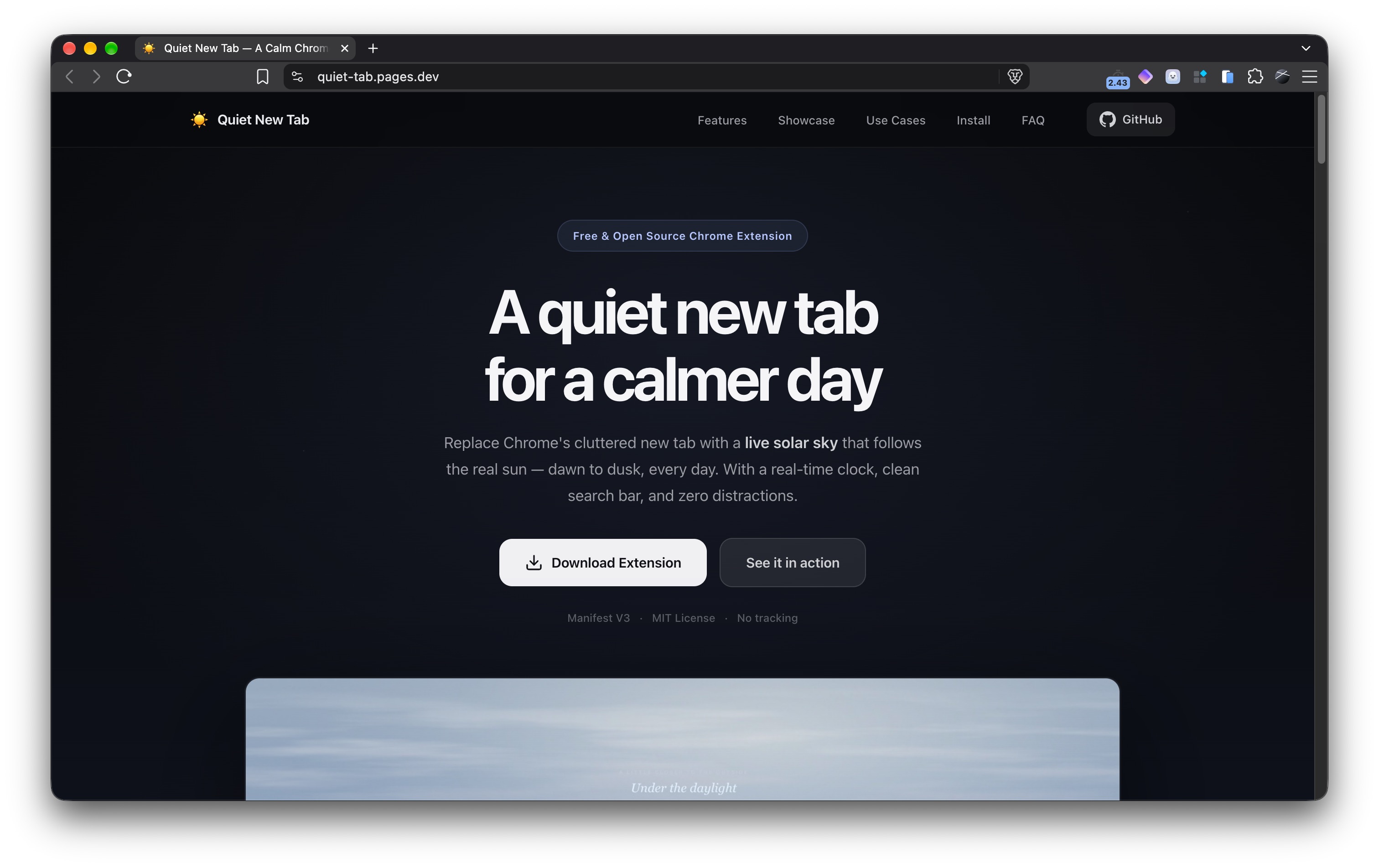
The other part of my setup is my customized Quiet Tab.
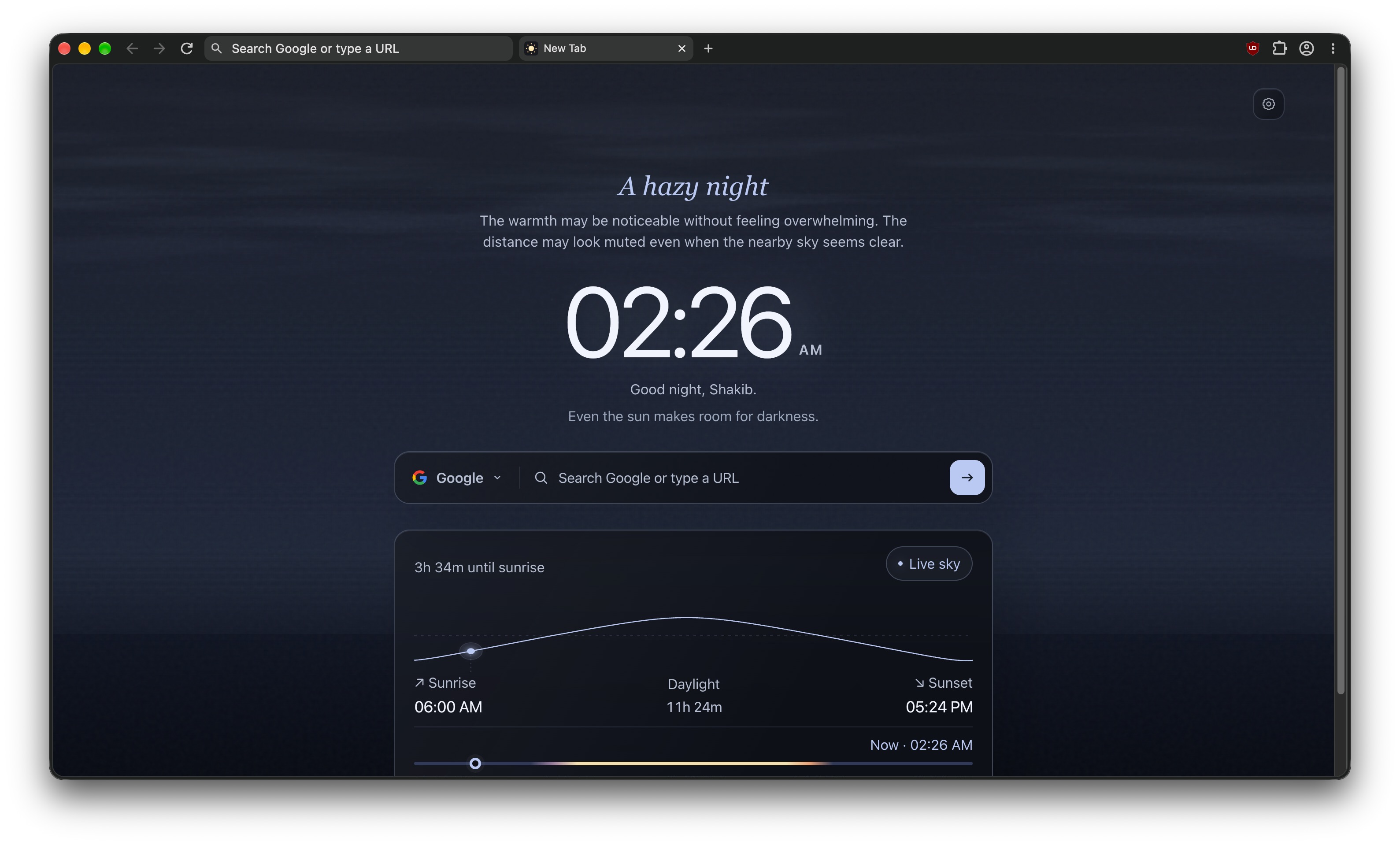
In this screenshot, it is late at night. The page has a dark sky background, a large clock, a personal greeting, and a search bar. Below that, it shows the time until sunrise, sunrise and sunset times, and the length of the day.
I like how those elements sit together. The clock and search are easy to find, while the sky and daylight information give the page a sense of time and place.
A new tab is a small surface, but it is one I see often. Customizing it makes the whole browser feel more personal. Even before opening a website, there is something familiar waiting.
A setup I enjoy returning to
Two months in, Brave Origin is one of my favorite browsers, Helium is another I enjoy, and Quiet Tab adds my own touch to the experience.
Together, they reflect what I want from the tools I use every day: useful controls, a comfortable interface, and room to make things my own.
Sometimes the detail that makes a setup stick is as small as opening a new tab and liking what you see.